
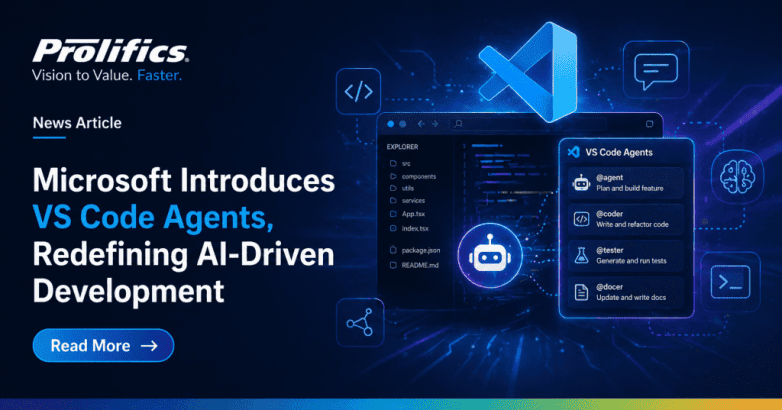
Microsoft has taken a major step forward in AI-driven software development with the introduction of its VS Code Agents Preview, part of Visual Studio Code, now available in the Insiders build. This new capability signals a shift from simple AI assistance toward a more advanced, agent-based development experience where AI does not just suggest code but actively participates in development workflows.
Unlike traditional GitHub Copilot integrations that operate within the editor interface, the new VS Code Agents feature launches as a separate companion application. This distinction is significant. Instead of functioning as a chat-based assistant, the Agents app acts as a control center for orchestrating AI coding automation and AI-driven tasks. It offers developers a more structured and supervised way to collaborate with intelligent agents.
The preview introduces a guided setup experience that emphasizes security, trust, and control in AI development workflows. Developers must sign in, select a workspace, and explicitly grant permissions before agents can access files or execute tasks. This approach ensures that automation is balanced with transparency and that developers remain in control of agent actions.
Key Features of VS Code Agents Preview
One of the most notable capabilities is the ability to run multiple agent sessions in parallel across different repositories. Each session operates in an isolated environment, allowing developers to manage complex workflows without interference. This opens the door to handling large-scale development tasks more efficiently, especially in enterprise AI development environments.
The Agents app also enhances collaboration through built-in monitoring and review tools. Developers can:
• Track progress of agent-driven development tasks
• View code changes and diffs inline
• Provide feedback directly within workflows
• Create and manage pull requests
This transforms AI from a passive assistant into an active participant in the software development lifecycle.
Another key advantage is continuity. The platform seamlessly carries over existing configurations from Visual Studio Code, including:
• Custom instructions
• Prompt files
• Plugins and extensions
• Developer settings
This ensures teams can extend their current workflows rather than rebuild them, supporting scalable AI implementation strategies.
Early hands-on testing suggests that the Agents preview is less about introducing entirely new AI capabilities and more about improving how developers interact with AI systems. For example, in complex tasks such as analyzing large instruction files, the Agents app demonstrated stronger performance compared to traditional Copilot usage, although some latency was observed.
However, the feature is still evolving. Microsoft has labeled it as a rapidly developing preview, available only in the Insiders version, and is actively encouraging feedback from developers to refine the experience.
Overall, the VS Code Agents Preview represents a pivotal move toward the future of development where AI agents collaborate, automate, and accelerate workflows at scale. As Microsoft continues refining this experience, it has the potential to redefine how developers build, test, and deploy software in an AI-first world powered by AI-driven development tools.
Media Contact: Chithra Sivaramakrishnan | +1(646) 362-3877 | chithra.sivaramakrishnan@prolifics.com
FAQs
What is VS Code Agents Preview?
It is a new AI-powered companion app in VS Code Insiders that enables agent-driven development workflows, allowing AI to perform tasks like coding, reviewing, and testing within a supervised interface.
How is it different from GitHub Copilot?
GitHub Copilot works inside the editor as an inline coding assistant, while VS Code Agents operates as a separate companion app that orchestrates multi-step workflows, manages tasks autonomously, and handles processes across multiple repositories.
Can developers run multiple tasks simultaneously?
Yes. The Agents app supports parallel sessions across repositories, each running in an isolated environment, making it efficient for teams managing complex or large-scale projects.
Is VS Code Agents available in the stable version of VS Code?
No. It is currently in preview and only available in the VS Code Insiders build. Microsoft is actively gathering developer feedback before a wider release.
What are the key enterprise benefits of VS Code Agents?
Enterprises benefit from improved developer productivity, seamless workflow automation, enhanced code review processes, and scalable AI-assisted development across complex environments all powered by AI development tools built directly into their existing VS Code setup.


